
Understand every page,
automate every step
PageIQ is a Chrome Manifest V3 Side Panel extension. It gives you local-first RAG chat, automated browser DOM tools, and a smart knowledge base to optimize your browsing workflows.
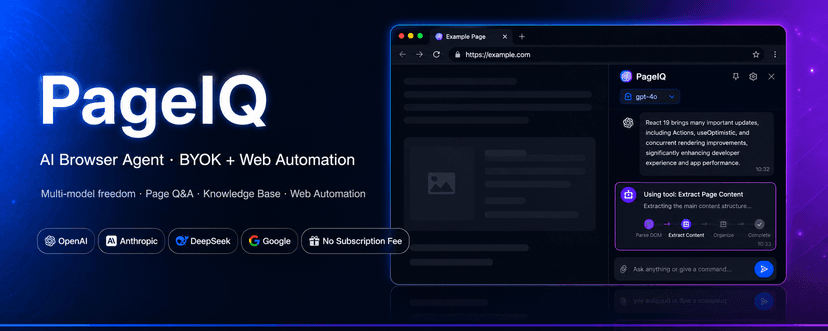
Five Core Feature Modules
Clean, powerful, and local-first browser intelligence
Local-First & Data Sovereignty Architecture
API Keys, conversation history, and personal knowledge base reside in your local browser storage under strict minimal permissions
Local API Key Security
Your API keys are encrypted and stored inside your browser's local store. We never upload them.
Local Database (IndexedDB)
All chat history and knowledge indices reside in your local browser storage. Completely offline-capable.
Minimalist Permissions
We request only necessary Chrome APIs and safeguard accounts by blacklisting banking and authentication domains.
Four Typical Scenarios
See how PageIQ fits into your daily browsing workflows
Agentic RAG Chat
BYOK (Bring Your Own Key) model configuration, streaming output, and deep-page context integration with locally stored secure database.
Intelligent Page Reading
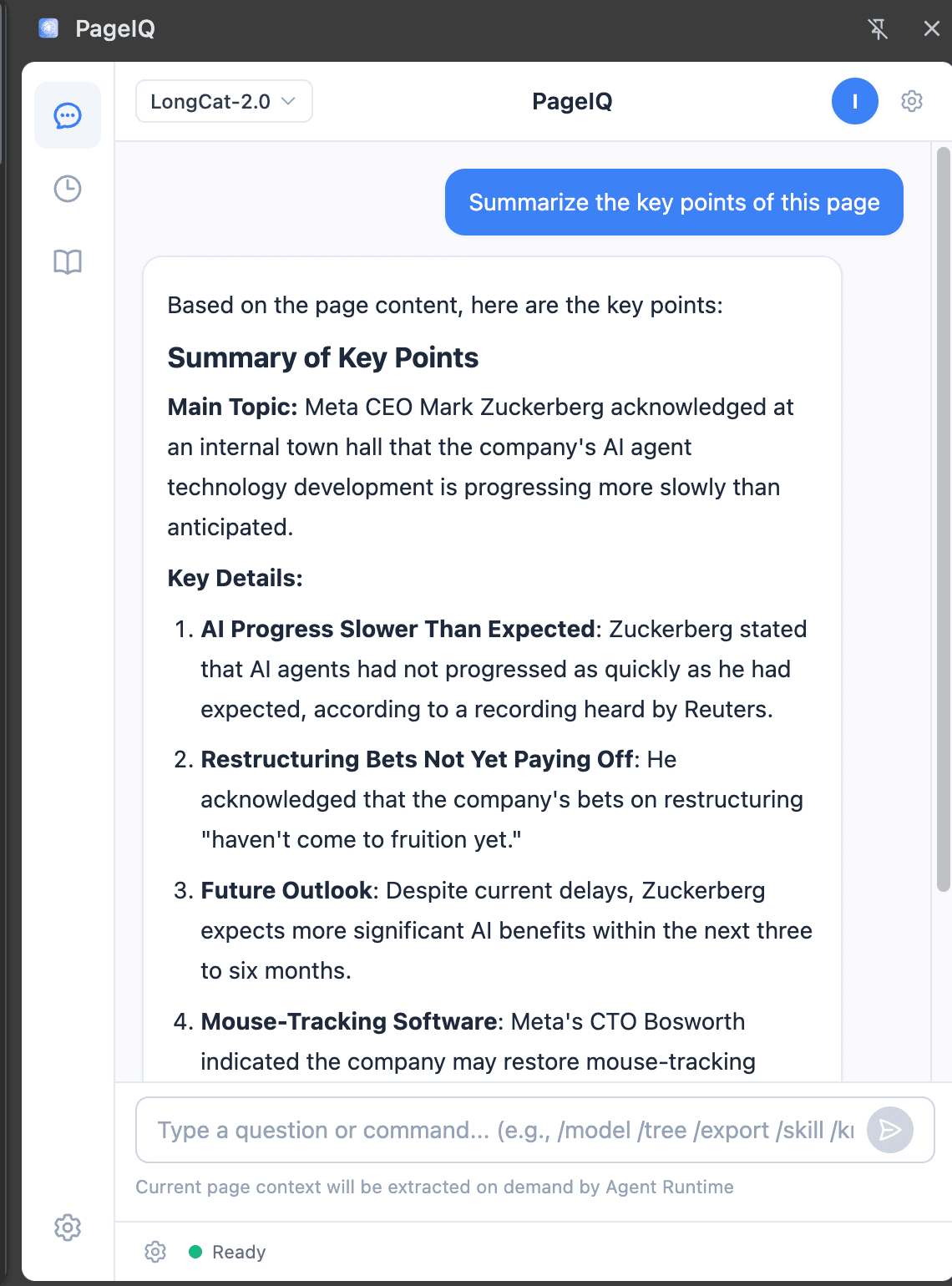
Automatically extract the title, link, and main content of your active tab and input them as conversation context.
Personal Knowledge Base
Save pages to your local vector-search indexed store. Detects duplicates and updates them automatically.
Browser Automation
Safe and user-verified browser DOM manipulation. Requires explicit approvals for modifications and secures sensitive sites (payments/banking).
Built-in Skills
Pre-configured tasks for page summary, multi-language translation, and data scraping, dynamically triggered by intent.
Technical Specifications & FAQ
Recap of facts based on existing extension capabilities and safety design
Extension Specifications
Get PageIQ Browser Assistant
Select the best channel to download and install the extension
Chrome Web Store (Recommended)
For users who can access Google services. Supports automatic background updates and easiest installation.
China CDN Download
For users in China who cannot access the Store. Download the ZIP file and install manually.